File Auto Process
In this tutorial, you'll learn how to upload and process documents within the Accounts Payable repository. This process is essential for extracting and managing metadata efficiently, ensuring your financial records are up-to-date and accurately maintained.
Log in and Access Accounts Payable Repository
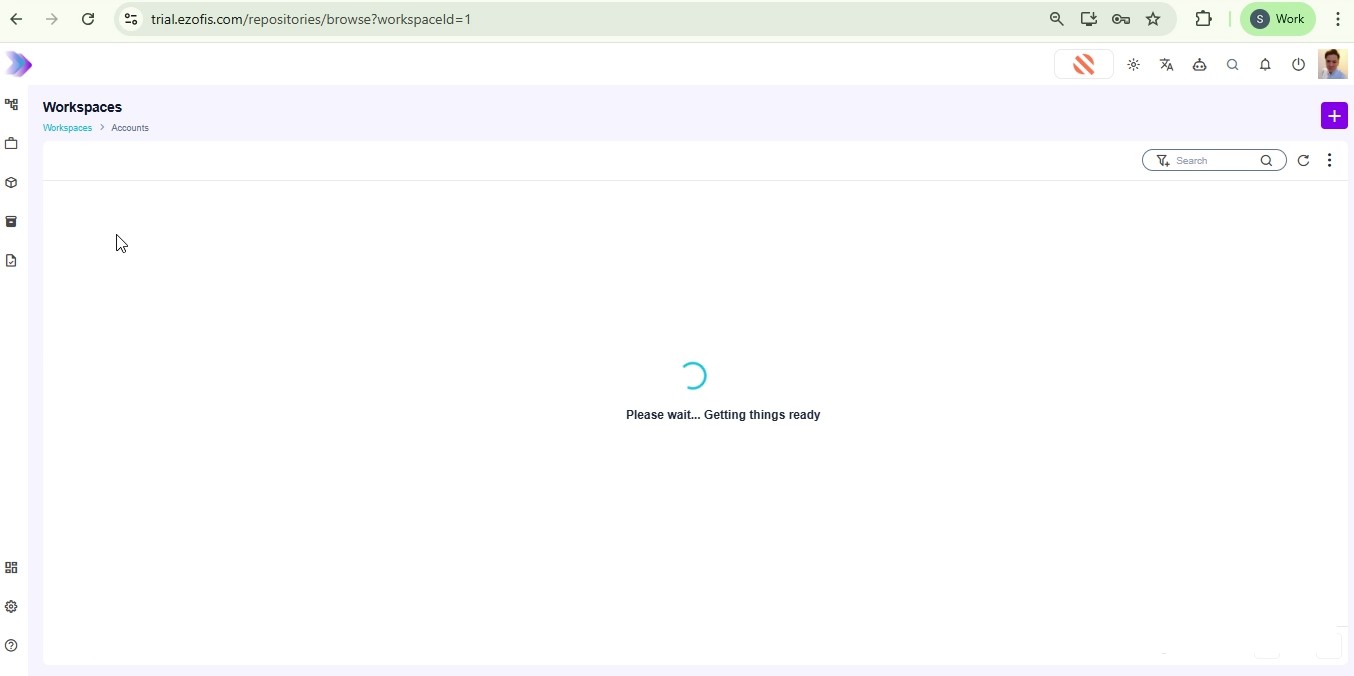
Start by logging into your account using your email and password. Once logged in, navigate to the Workspaces list and select the Accounts workspace. Here, you'll find the Accounts Payable repository where you can manage and upload your financial documents.
Upload a Document
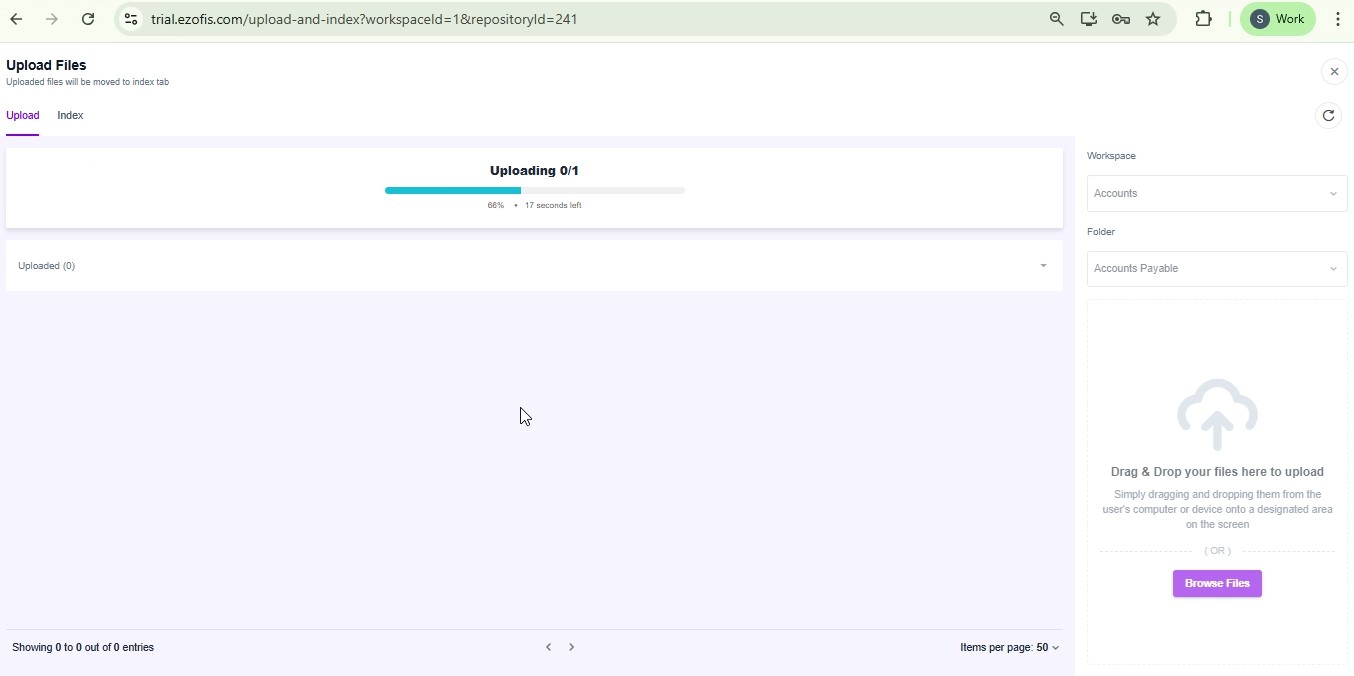
Within the Accounts Payable repository, click the Upload button to open the file upload section. Select Browse Files to open your file explorer, choose the document you wish to upload, such as Dummy Invoices-44.pdf, and click Open. The system will begin uploading your file, and you'll receive a notification once the upload is complete.
Initiate and Monitor Indexing Process
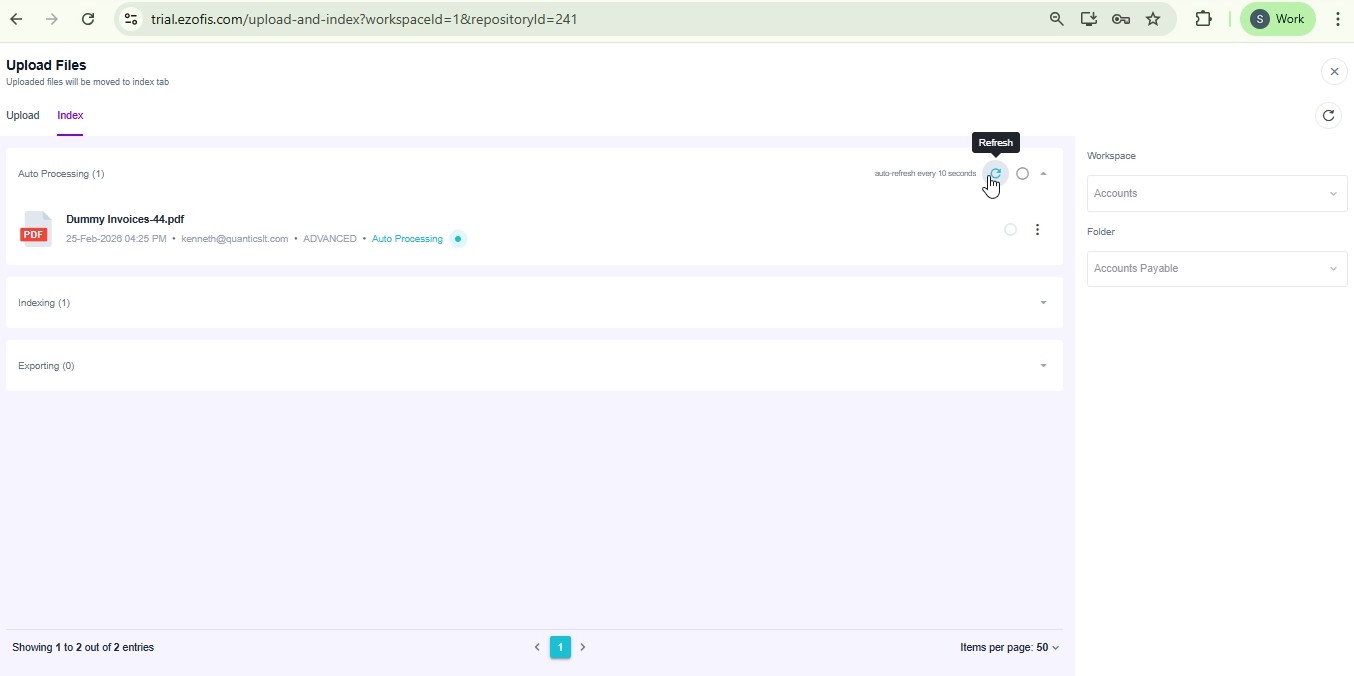
After the document uploads, click the Index icon next to the uploaded file to initiate the data extraction process. The file status will change to Auto Processing. Refresh the view periodically to update the status. Once the status changes to INDEXED, you can proceed to review the extracted metadata.
Review and Save Extracted Metadata
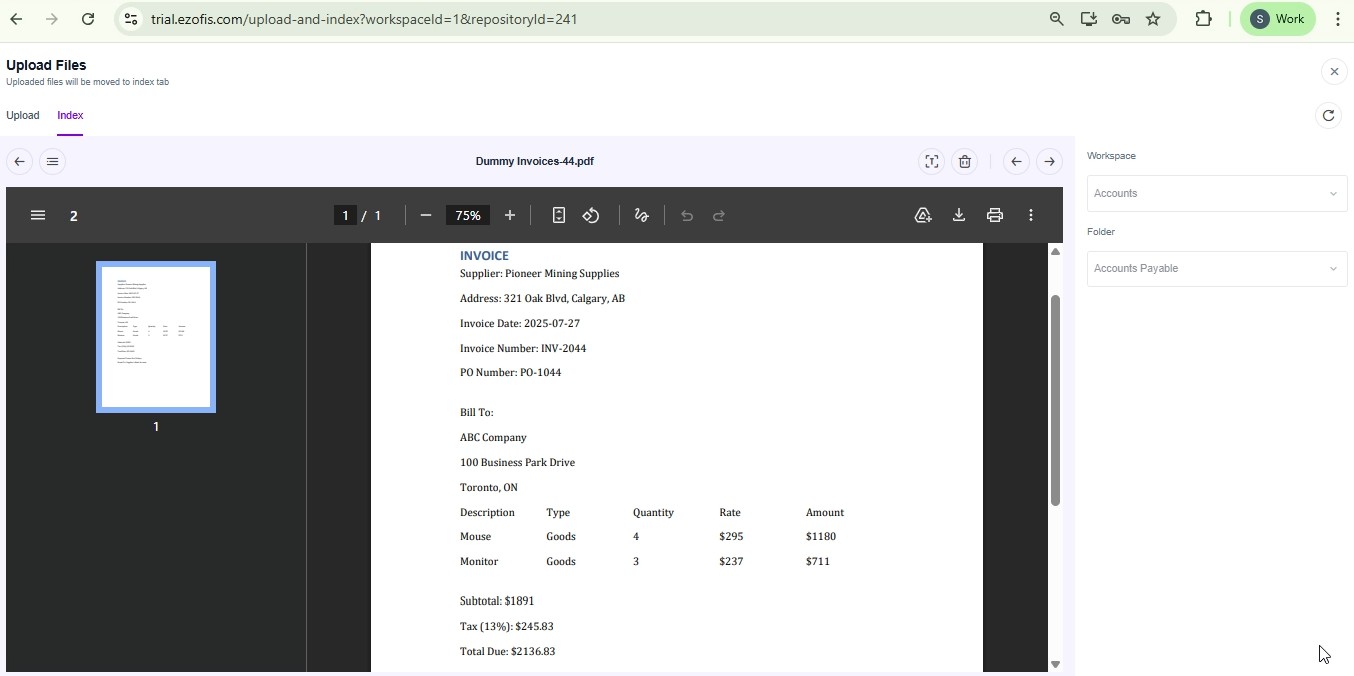
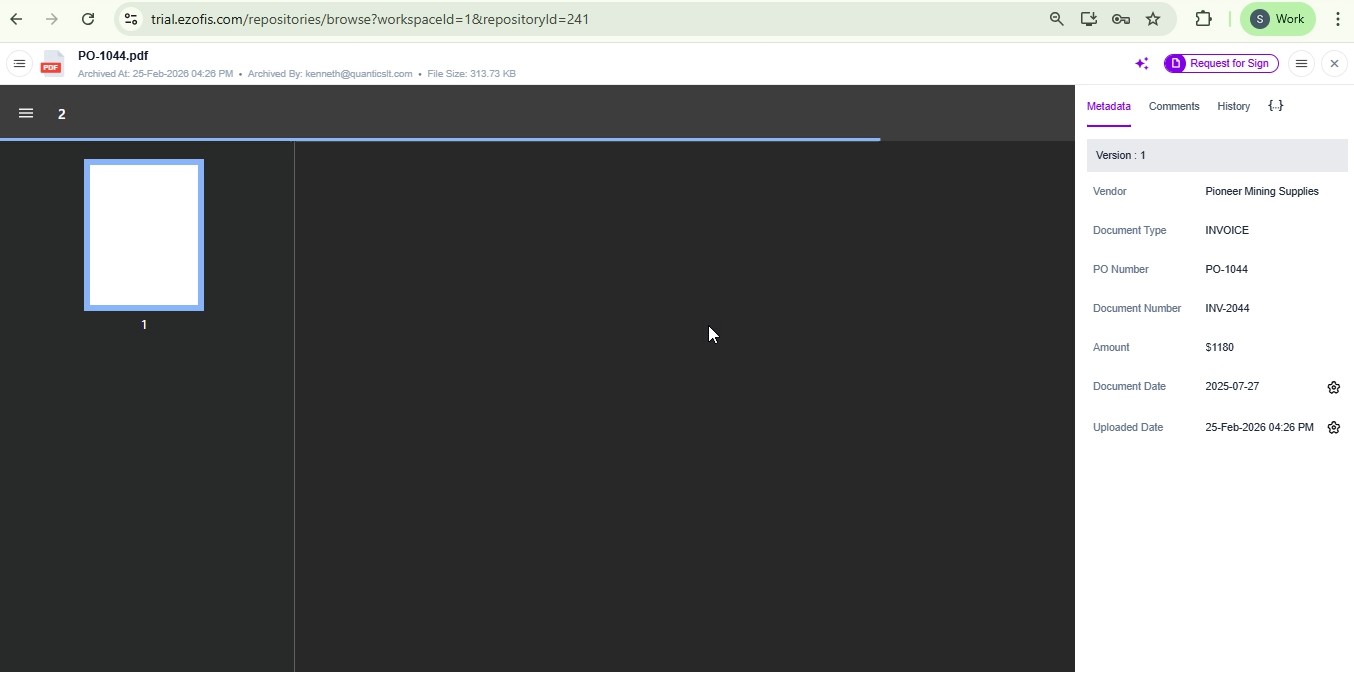
Click on the document name to open it in the file viewer. Scroll through the metadata fields to verify the accuracy of the extracted data. Once satisfied, click the Save button to finalize the metadata extraction. A success notification will confirm the save, and the document will be queued for exporting.
Navigate Back and Review Another Document
After saving, the processed file will move out of the visible file list. Navigate back to the Accounts Payable repository to select another document, such as PO-1044.pdf, and review the automatically extracted metadata. This ensures all data has been correctly captured and processed.
By completing these steps, you've successfully uploaded and processed documents within the Accounts Payable repository. This process helps ensure accurate data extraction and efficient document management, streamlining your workflows and maintaining high data quality. Regularly reviewing and saving metadata is crucial for maintaining the integrity of your financial records.