In this tutorial, you will learn how to sign a document and manage signature requests within your workspace. Whether you're preparing a document for your signature or coordinating additional signers, these steps will guide you through the process efficiently.
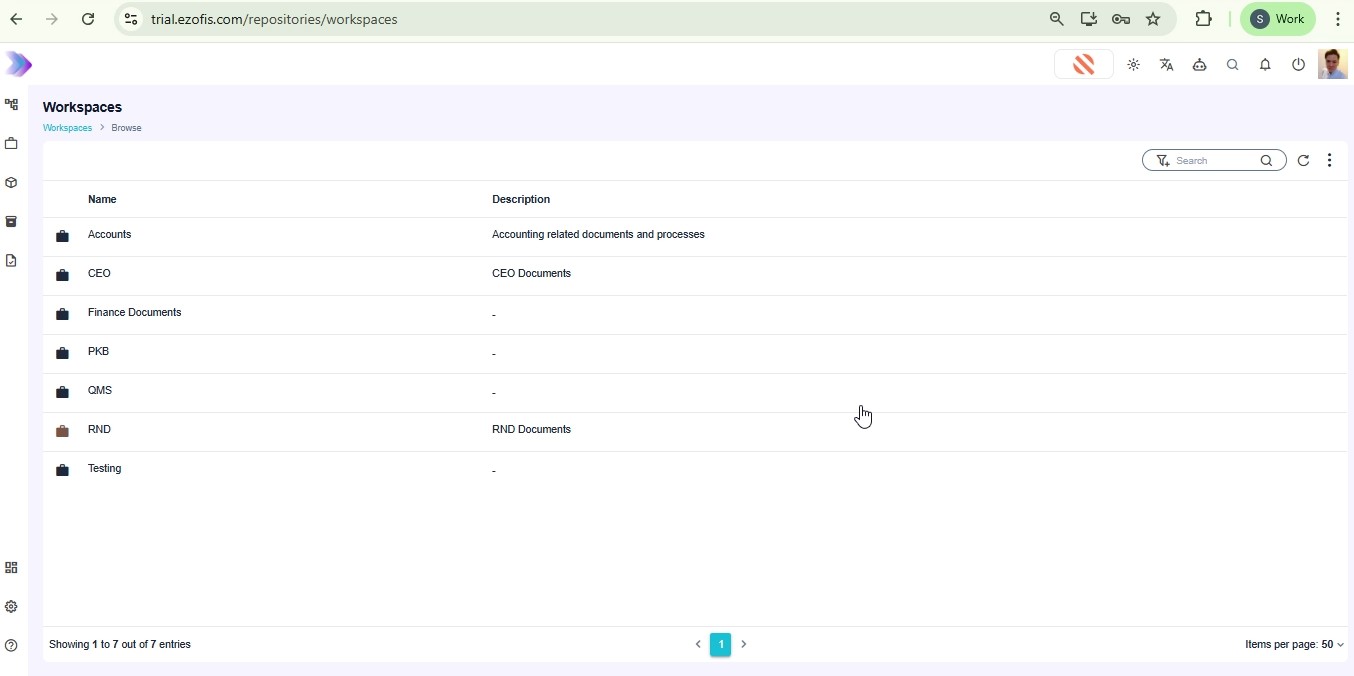
Begin by entering your login credentials to sign in to the application. Upon successful sign-in, you will land on the Workspaces page. Navigate to the Accounts workspace to access the relevant documents. From there, select Accounts Payable to view its documents.
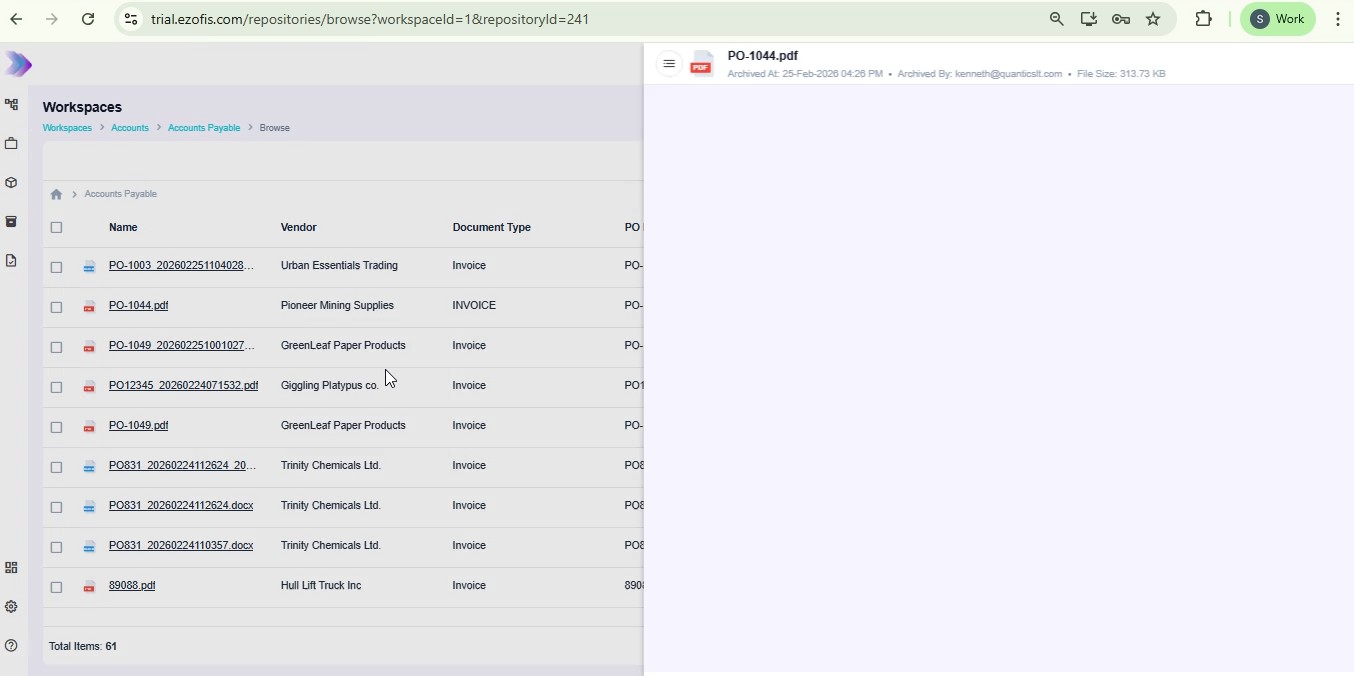
Click on the document you wish to sign, such as PO-1044.pdf, to open it in the document viewer. Initiate the signing process by clicking the Request for Sign button. This will open a modal window where you can proceed to prepare the document for signing. Follow the prompts and place your own signature on the document in the required spot.
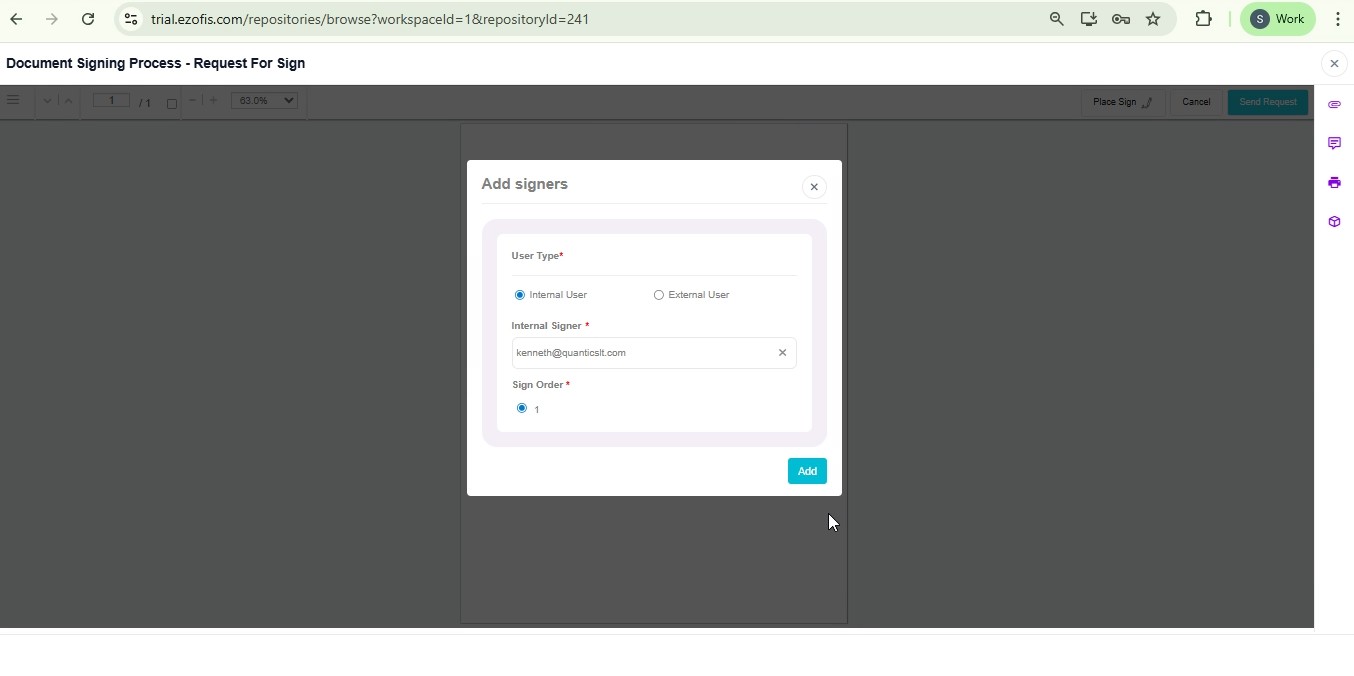
After placing your signature, add additional signers by clicking the Select Signer dropdown in the modal window. Choose the appropriate signer, such as [email protected], and click Add. Once all signers are added, send the request by clicking the Send Request button and confirm the action to complete the process.
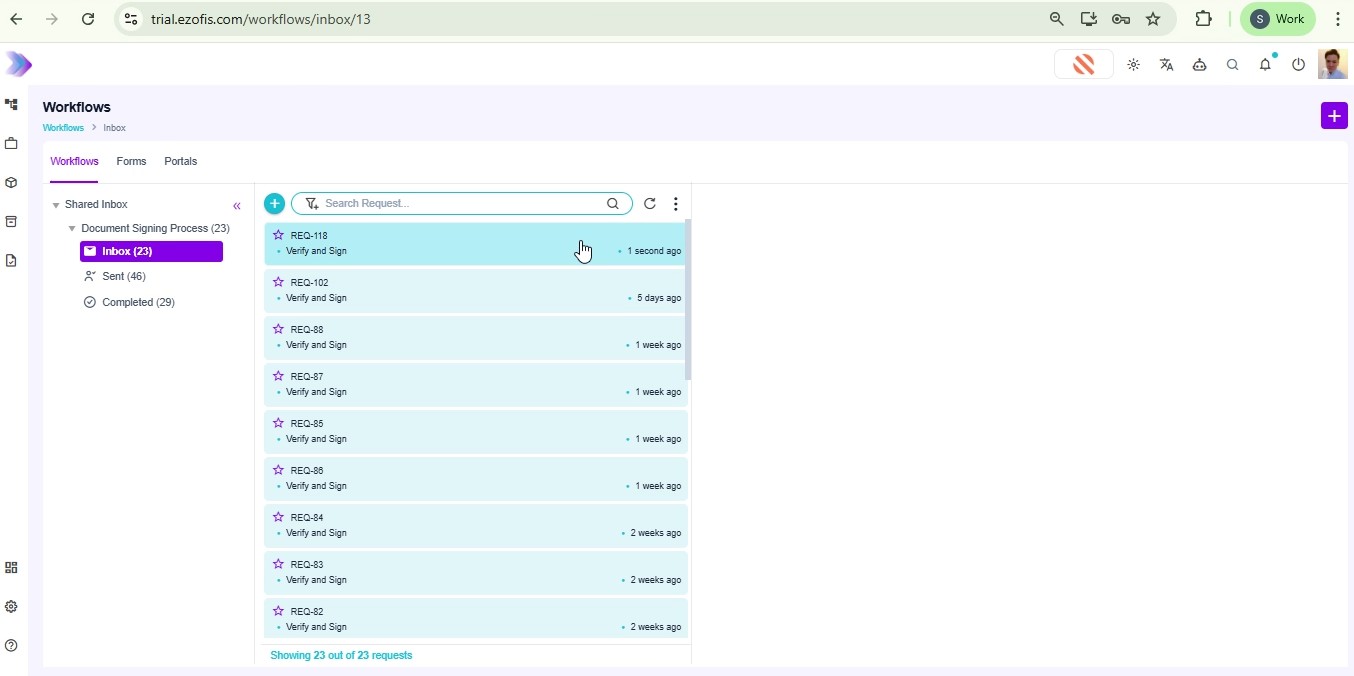
Navigate to the Workflows page to track your signing requests. In the Inbox, refresh the view to see the newly sent signing request, such as REQ-118. Open the request and click Verify and Sign to proceed. In the drawing modal, draw your signature and confirm its placement to finalize this step in the workflow.
After confirming your signature, return to the Workflows Inbox. Switch to the Sent folder to review the status of your request. Refresh the view to ensure that the request status updates to Completed. Re-open the request to view the fully signed document and access the Attachments panel to verify all signatures in the PDF.
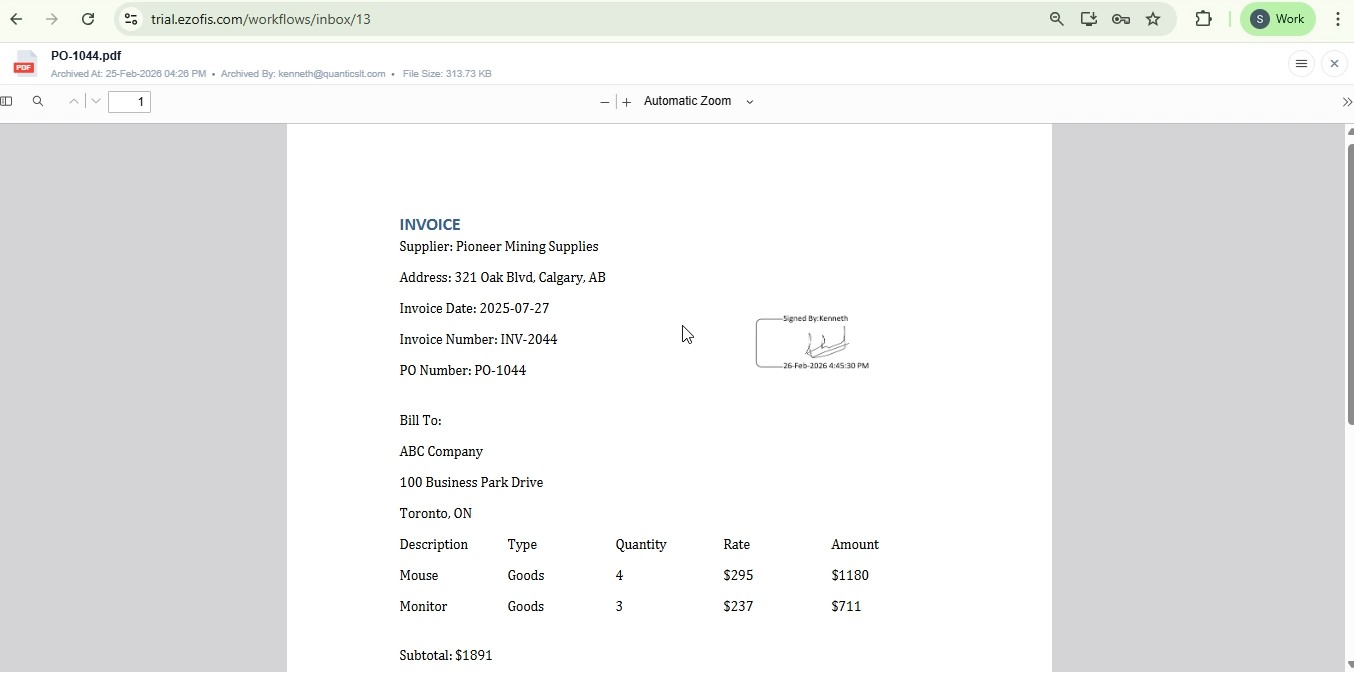
By following these steps, you have successfully signed a document and managed the signature request process within your workspace. This ensures that all necessary parties can review and sign documents efficiently, streamlining your workflow and maintaining document integrity.